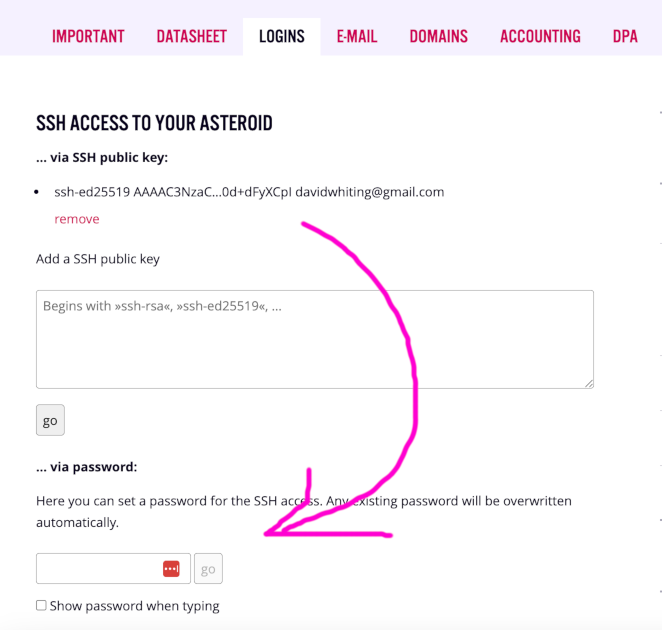
First, you need to set your SSH password at the bottom of the "Logins" page. It can be the same or different to the password for Uberspace
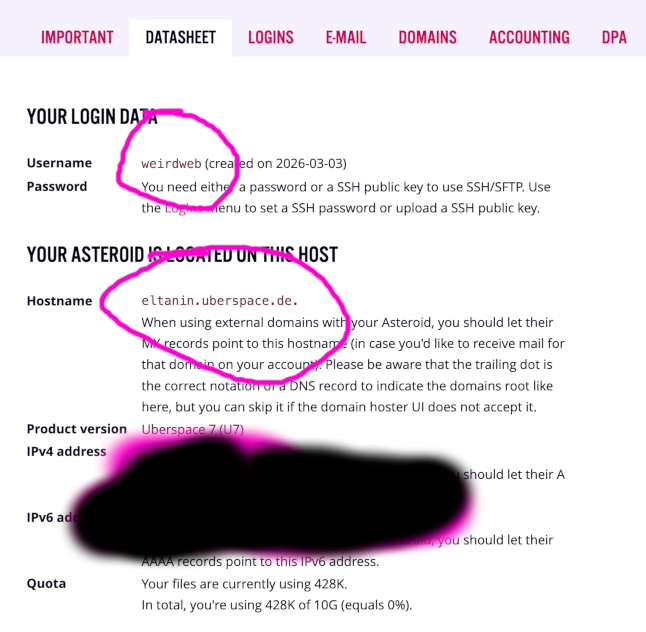
Now from the "Datasheet" page you need to get your username and the hostname
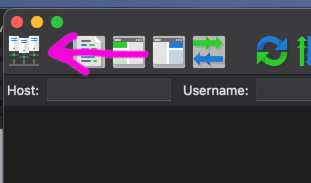
Then open FileZilla, and set up the connection with the "Site Manager", using the top-left icon button
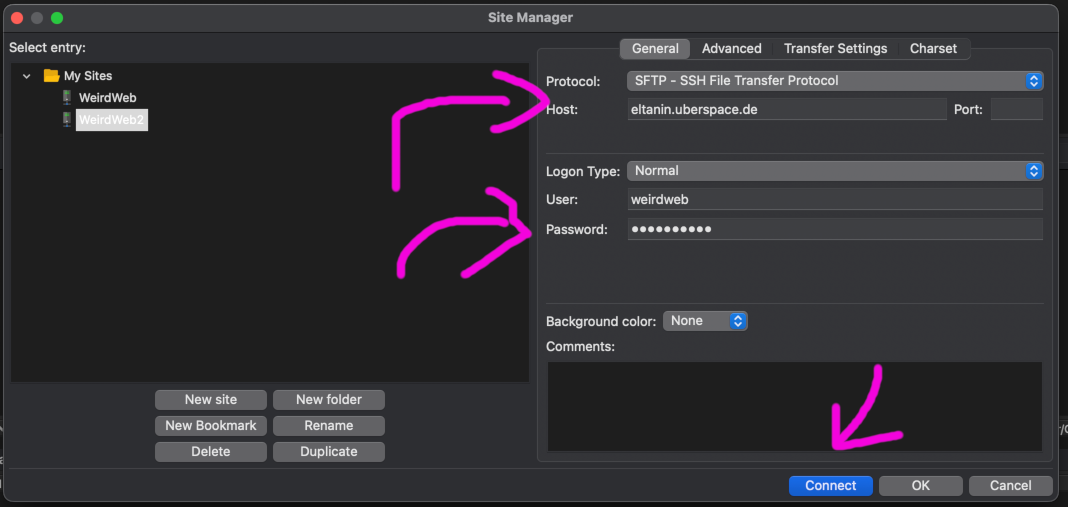
Create a new SFTP connection, using the hostname from the datasheet (WITHOUT the . at the end), and the password you set in step 1
You might have to accept some dialogs, saying you trust the computer you're connecting to
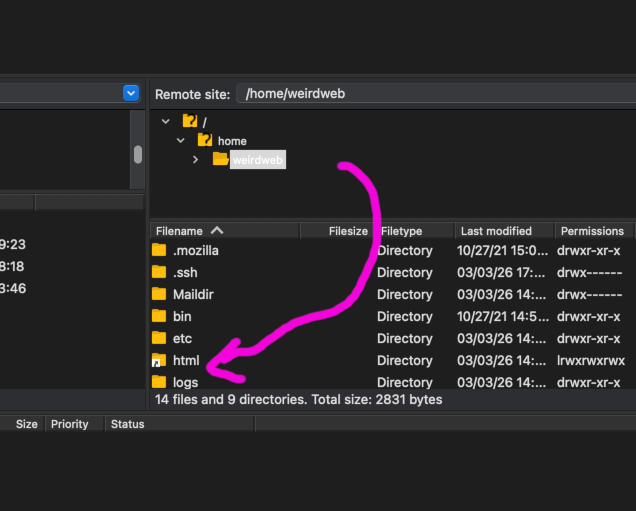
Once connected, you'll see the remote computer on the right hand panel. There should be an "html" folder you can double click to enter
Find your content on your local computer in the left hand panel, then drag everything into from left to right, to add it to the "html" folder on the server
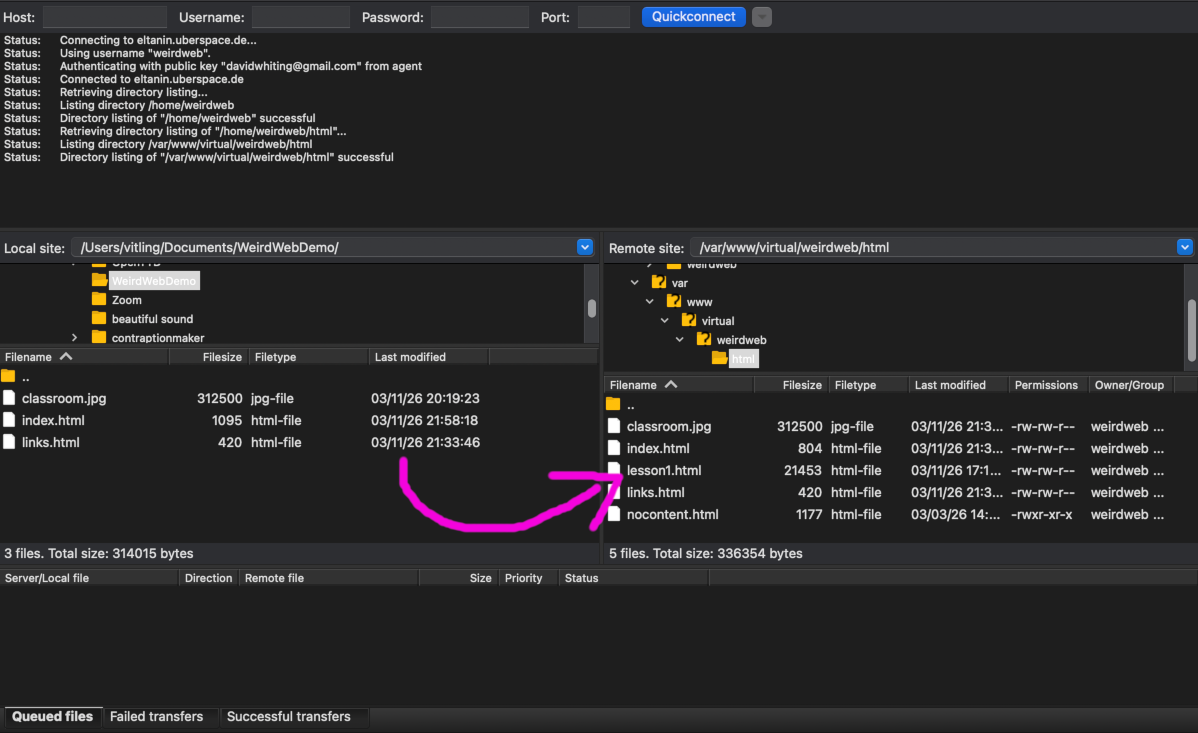
Hopefully your website is now online at https://[username].uber.space